
White Background for Photo: How to Make Any Background White Online
Add a white background to any photo online with AI. Steps for product, profile, and passport-size photos, plus how to get a pure, plain white result.
PerfectifyAI Blog
Practical guides and ideas for cleaning up images and getting more from AI photo editing.
Add a white background to any photo online with AI. Steps for product, profile, and passport-size photos, plus how to get a pure, plain white result.

Change the background of a photo online with AI. Swap in a white, black, or custom background for products, profiles, and listings, in a few easy steps.

Step-by-step guide to Canva's BG Remover, how to download a transparent PNG, how to fix messy edges, and a free way to get a cut-out you can still use in Canva.
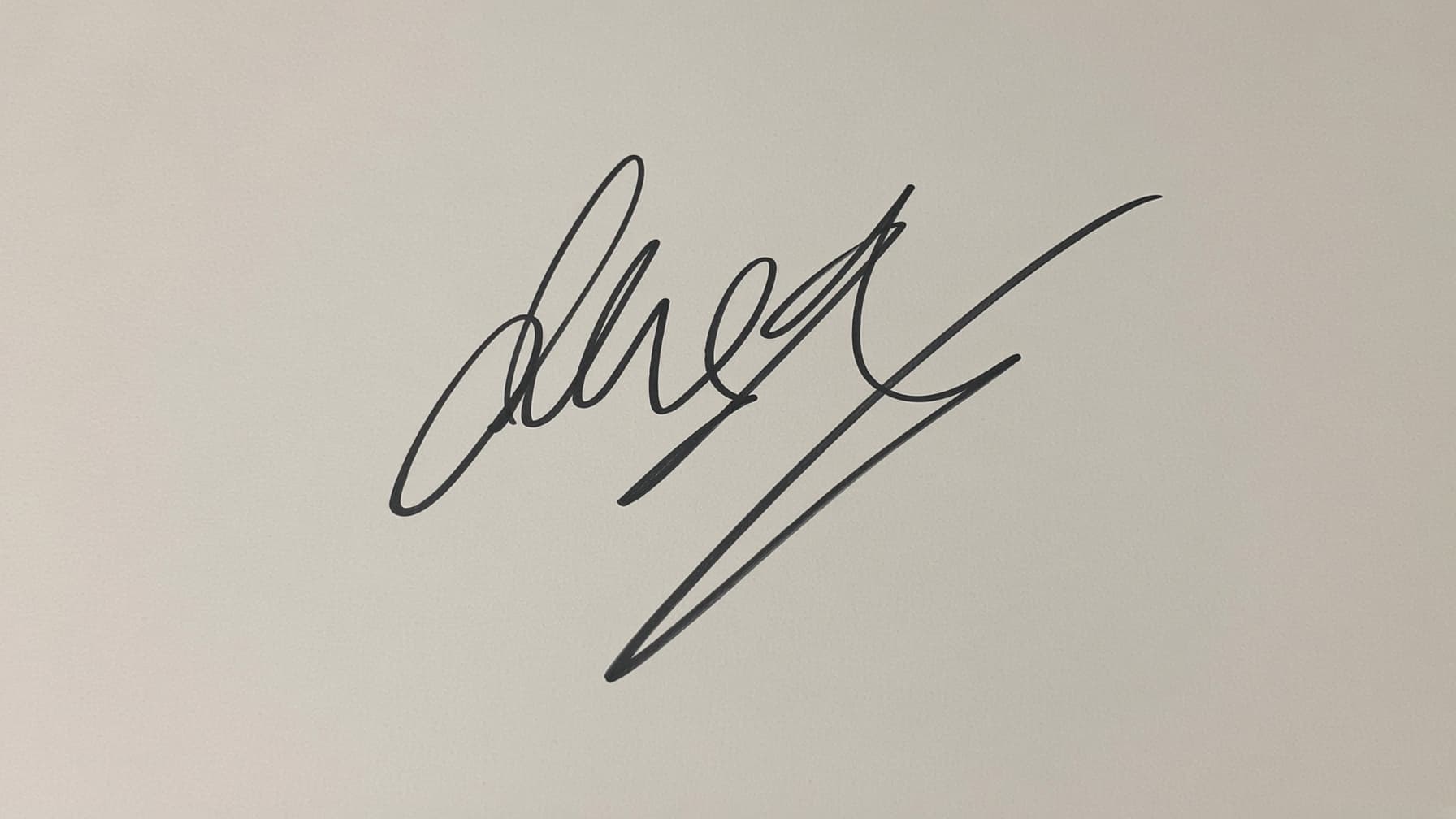
Photograph or scan your signature, remove the white background, and save a transparent PNG for PDFs, Word and Google Docs files, forms, and invoices.
Step-by-step ways to remove a background in Photoshop and GIMP, a quick note on Canva, and a one-click option when you just need a transparent PNG.

Remove the visible Gemini watermark from an AI image you created, understand what stays behind (including SynthID), and check the result before you use it.

Make an image transparent: remove the background, export a real transparent PNG, and do it in Canva, Photoshop, GIMP, or with a free online tool.
Learn how to remove unwanted text from an image you own, choose an AI or manual method, and check the edited area before using the result.

Learn how to prepare a product photo, remove its background, and check edges, shadows and fine details before you use the image in your store.
Learn when it's OK to remove a watermark from a photo you own, which method to use (crop, AI or manual retouch), and how to check the result.