Your first image edit is free, with no credit card required. Upload a photo, run the Watermark Remover, and check the result before you decide whether you need more edits.
AI watermark remover
Remove watermarks and logos from your photos
Upload an image you own or have permission to edit, and the AI removes visible watermarks, logos, and stamps in seconds.
Upload an image
First cleanup is free. No credit card required.
Watermark Remover
Upload a photo to remove its watermark
Drop in an image, run the Watermark Remover, and get a clean version in seconds.
Drag and drop your image here
JPG, PNG, or WebP
Watermark removal is intended for images you own or are authorized to edit.
How the AI watermark remover works
- 01
Step 1
Upload your image
Choose a JPG, PNG, or WebP photo you own or have permission to edit.
- 02
Step 2
Let the AI remove the mark
The AI finds the visible watermark, logo, or stamp and fills in the area behind it.
- 03
Step 3
Compare and download
Check the edited area against the original at full size, then download the clean result.

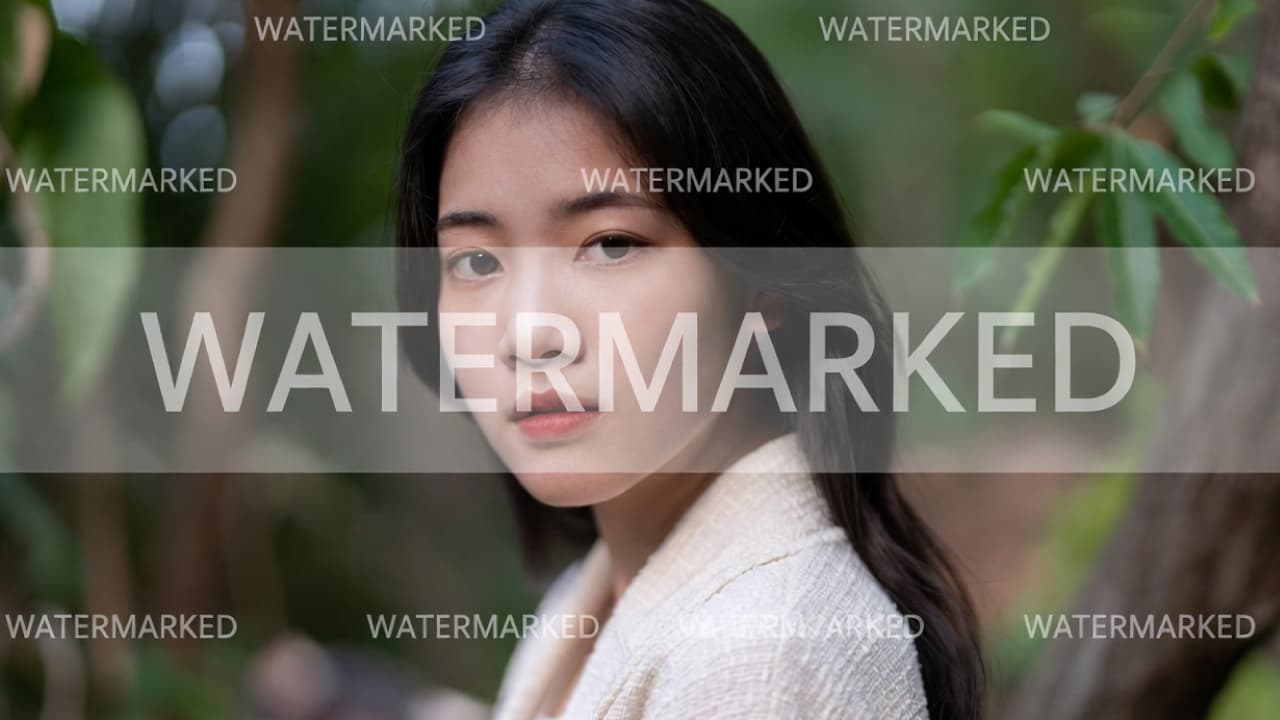
Remove a logo from an image you own
The Watermark Remover also handles logos and brand marks. Use it to clean up your own product photos before a rebrand, remove an outdated logo from older exports, or clear a stamp from images you have the rights to reuse.
Only remove logos from images you own or have permission to edit. Removing someone else's branding from their work does not give you the right to use it.
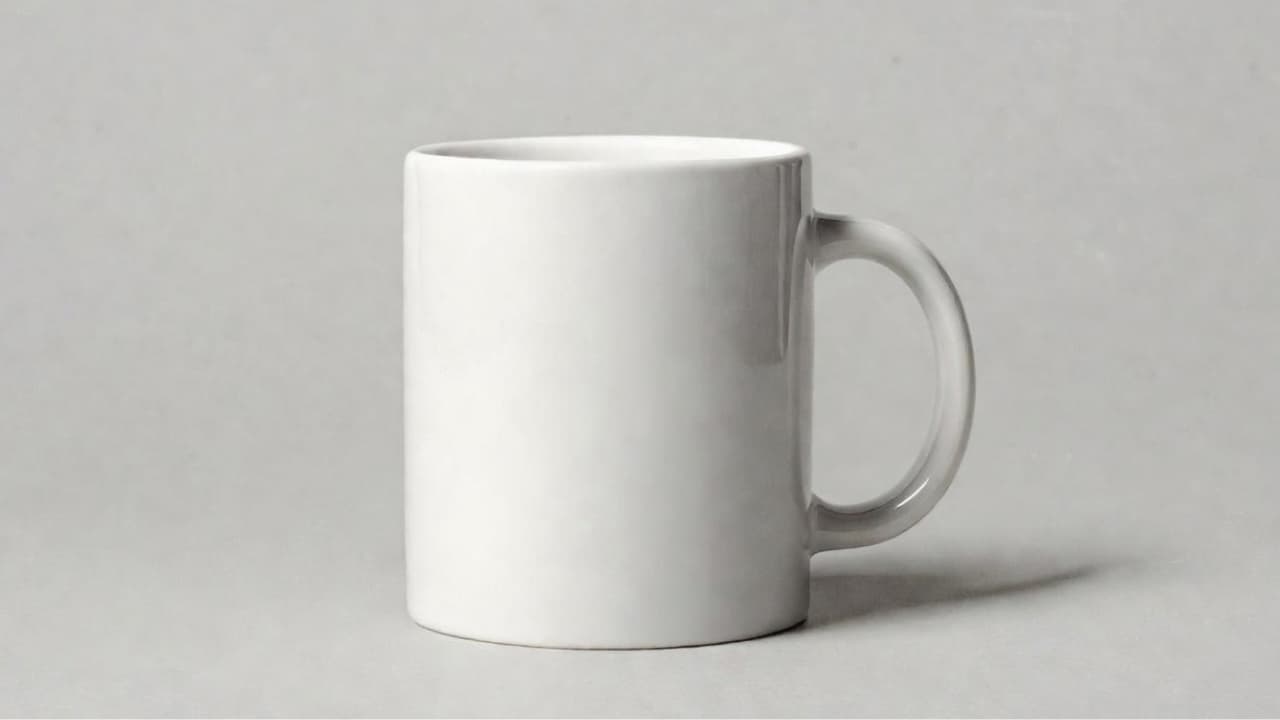
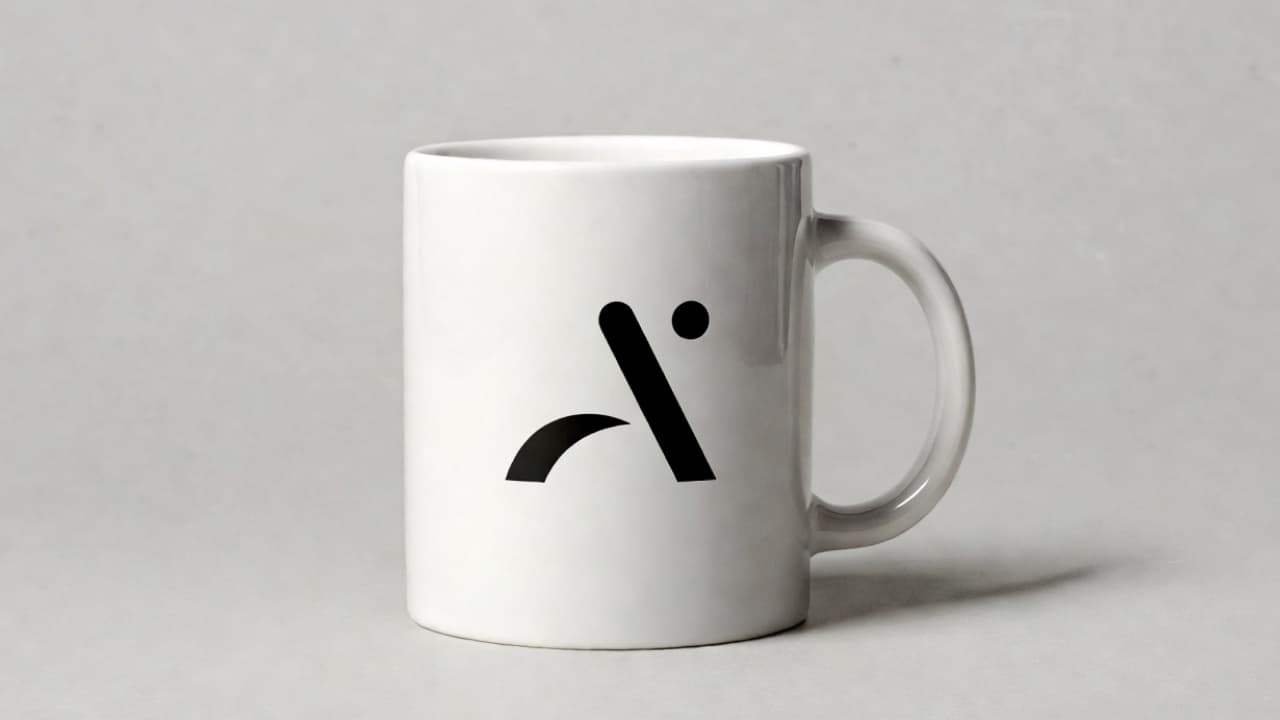
Remove the visible Gemini watermark
Images you create with Google Gemini can carry a small visible sparkle mark in the corner. If you generated the image yourself, the Watermark Remover can remove that visible mark so the image is ready for a slide, a post, or a mock-up.
This removes the visible mark only. It does not remove SynthID or any other invisible watermark or provenance data, and it doesn't change whether the image was made with AI. Read our guide to removing the visible Gemini watermark for the details.


What it works best on
The Watermark Remover gives the cleanest results on corner marks, semi-transparent watermarks, logos, and timestamps placed over simple or evenly textured areas.
Marks that cover faces, fine text, or detailed patterns are harder, and large watermarks tiled across the whole image may leave traces. If you still have the clean original, use that instead. Our guide to removing a watermark from a photo covers when removal is appropriate and how to check the result.
Need to remove text or captions instead?
This page is for watermarks, logos, and AI-generator marks. To clear captions, date stamps, or other text from an image you own, see how to remove text from an image. Need a cutout instead? You can also remove an image background.
Frequently asked questions
Watermark remover questions
What the AI watermark remover can do, what it can't, and how to use it responsibly.
Upload an image and run the Watermark Remover. The AI detects the visible watermark, logo, or stamp and fills the area with detail that matches the surrounding image, usually in seconds.
Yes. The Watermark Remover can remove logos and brand marks from images you own or have permission to edit, such as your own product photos or older exports with an outdated logo. Do not use it to remove someone else's branding from their work.
Yes, it can remove the visible Gemini sparkle mark from images you generated yourself. It removes the visible mark only.
No. PerfectifyAI does not remove SynthID or any other invisible watermark or provenance data, and removing a visible mark does not change whether an image was made with AI. Follow the disclosure rules that apply where you publish.
Only remove a watermark from an image you own or have permission to edit. Removing a mark does not give you rights to someone else's photo, so check the license or ask the owner if you are unsure.
Results are usually clean on corner marks, semi-transparent watermarks, logos, and timestamps. Marks over faces, fine text, or detailed patterns are harder, so compare the result with the original at full size before you use it.
You can upload JPG, PNG, or WebP images up to 20 MB.
This page focuses on watermarks, logos, and AI-generator marks. If you need to remove captions, date stamps, or other text from an image you own, see our guide to removing text from an image.
Your first cleanup is on us
No credit card, no design skills, no learning curve — upload a photo and see the result in seconds.