Online sellers. Prepare cleaner product photos for marketplaces, stores, and ads.
AI cleanup for products & listingsAI image cleanup for products, listings, and social content
Turnphotos withbad backgroundsphotos withbad backgroundsinto clean professional images
Remove backgrounds, clean distractions, enhance quality, and prepare images for websites, listings, products, and social media.
Core AI tools
Everything you need to clean up images with AI
Start with the essentials to remove backgrounds, erase watermarks from authorized images, clean distractions, and swap backdrops in seconds.
Background Remover
- Remove messy backgrounds automatically and create clean images for products, profiles, websites, and listings.
Watermark Remover
- Remove text, logos, timestamps, and watermarks from images you own or are authorized to edit.
Image Cleaner
- Clean unwanted objects, clutter, marks, and distractions from photos in seconds.
Background Changer
- Replace messy backgrounds with white, transparent, or custom backgrounds.
Simple workflow
Clean your image in 3 simple steps
Upload a photo, choose what needs attention, and export a polished result with a clear before-and-after preview.
- 01
Step 1
Upload your photo
Upload a messy image and turn it into a cleaner, sharper, more professional version.
- 02
Step 2
Choose what you want to fix
Describe your edits with a prompt or pick a quick template to remove distractions, swap backgrounds, and improve clarity.
- 03
Step 3
Download the cleaned result
Preview the final image, compare it with the original, and download a polished version ready for listings, websites, or social media.
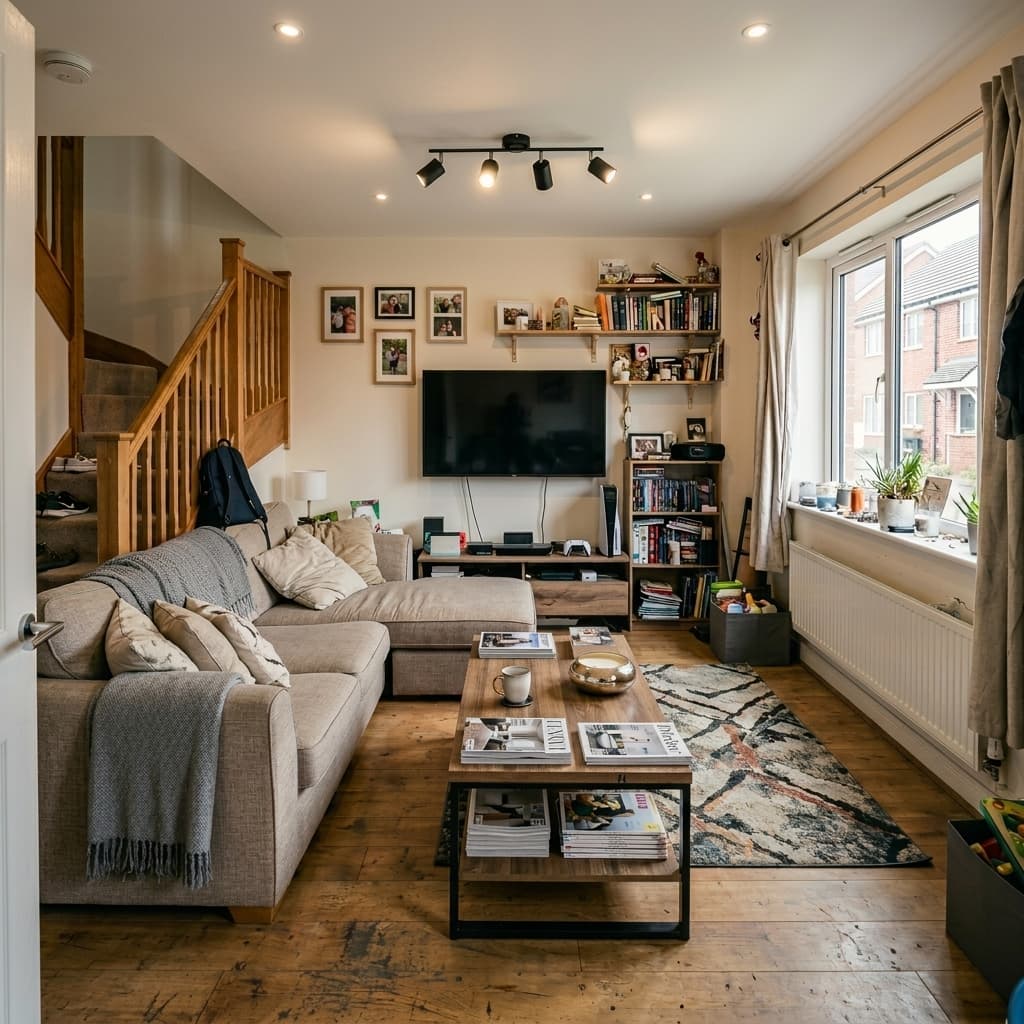
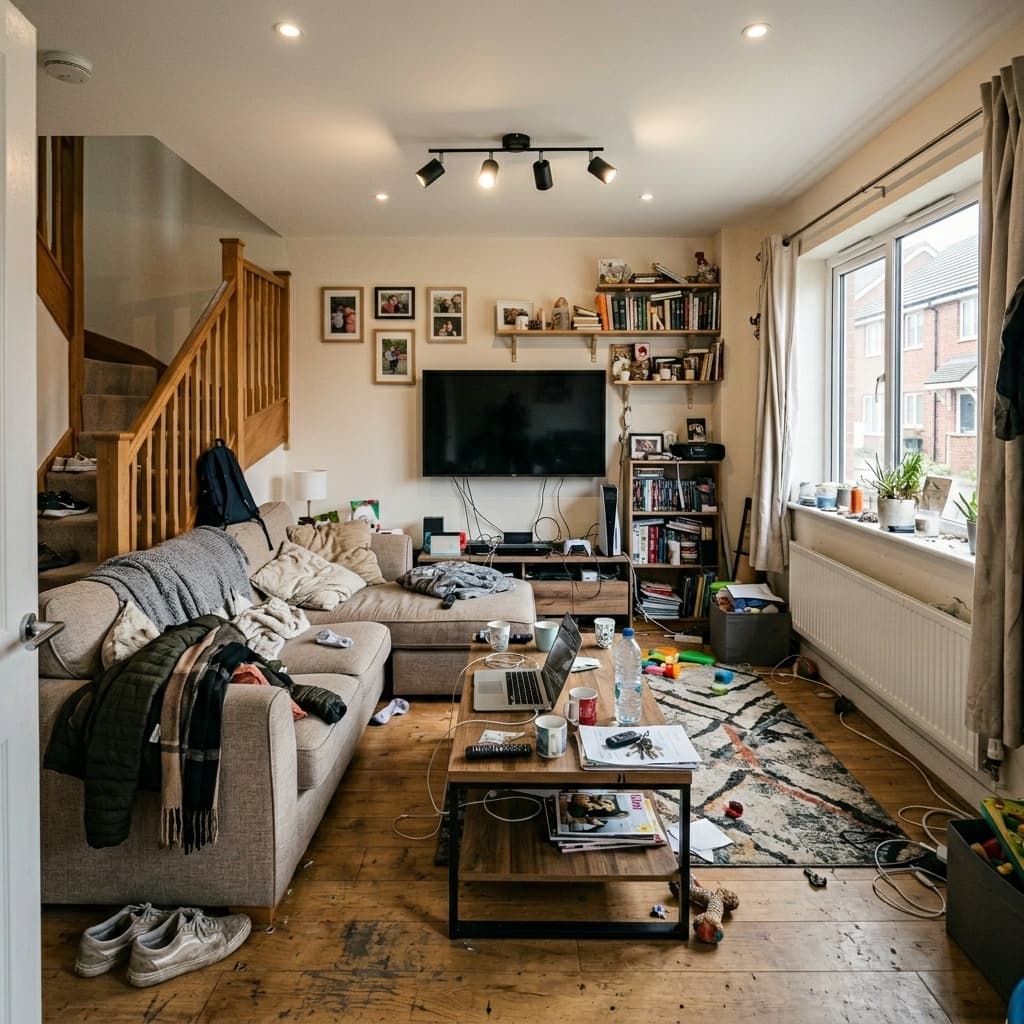
↔
Before
After
Everyday use cases
Made for everyday image cleanup
PerfectifyAI helps teams and individuals turn ordinary photos into polished visuals for stores, campaigns, vehicle inventory, and property listings.

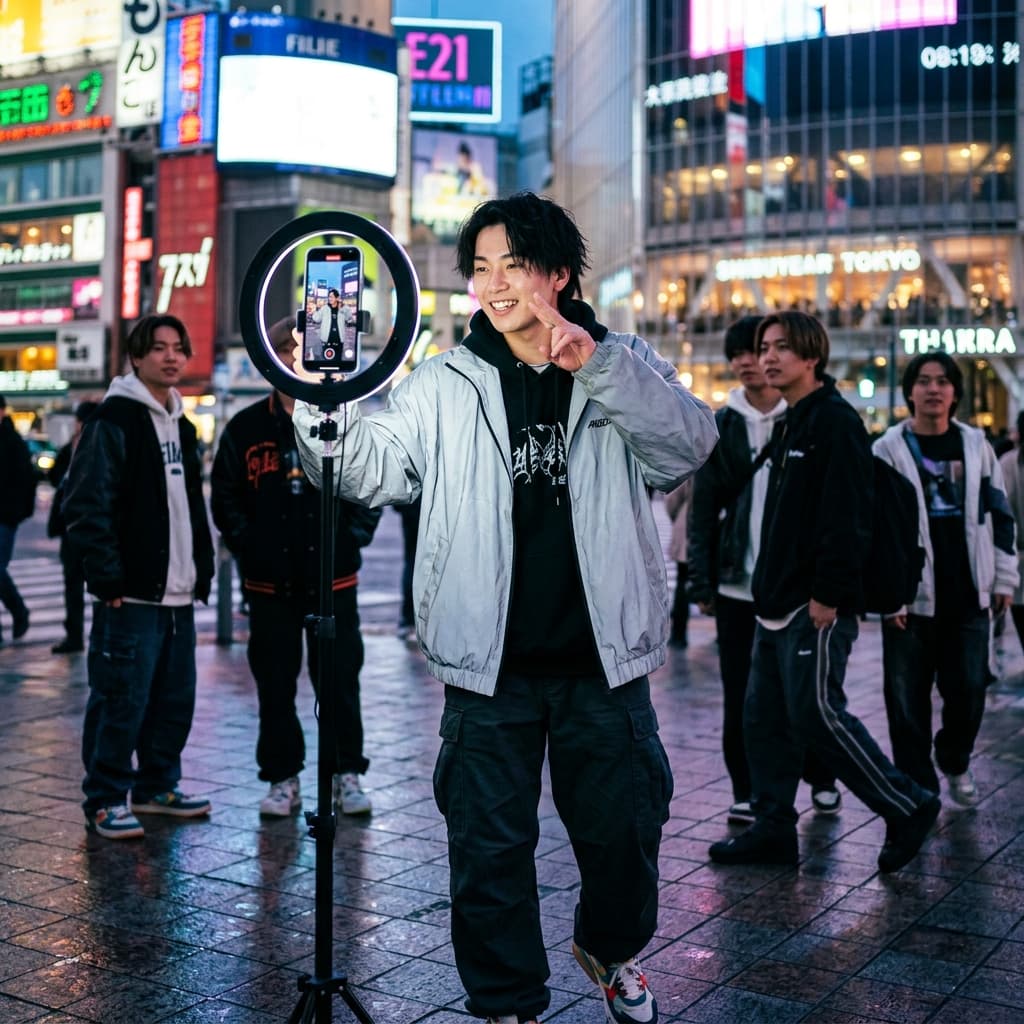


Creators and marketers. Make visuals cleaner for social posts, thumbnails, landing pages, and campaigns.
Car dealers. Clean up vehicle photos for inventory pages, ads, and marketplace listings.
Real estate. Polish property photos so rooms, rentals, and listings feel ready to publish.
"Traditional photo editing feels like fax machines — powerful, but no longer how modern businesses want to work."
Jeffrey Berris, Founder of Ecommerce Systems Lab
Manual photo editing is slow, repetitive, and impossible to scale.
PerfectifyAI turns messy product uploads into clean, marketplace-ready visuals by removing backgrounds, fixing distractions, and enhancing image quality in seconds.
Faster workflow
Faster than manual photo editing
Skip repetitive edits and turn batches of imperfect uploads into clean, consistent visuals without opening a full design suite.
| Feature | Manual editing | PerfectifyAI |
|---|---|---|
| No Photoshop skills required | Not included | Included |
| Fast cleanup for each image | Not included | Included |
| Consistent results across batches | Not included | Included |
| Background, object, and quality fixes | Not included | Included |
| Simple workflow for non-designers | Not included | Included |
Flexible pricing
Start free, upgrade when you need more
Try background removal for free, then use credits later for higher-quality exports and advanced cleanup tools.
Free
$0to start
Clean your first image without a plan and see how fast background removal feels.
- Free background removal to test the workflow
- Quick exports for everyday edits
- No design skills required
- Upgrade only when your needs grow
Upgrade
Creditsas needed
Use credits later for higher-quality exports, advanced cleanup tools, and polished visuals at scale.
- Free background removal to test the workflow
- Credits later for higher-quality exports
- Advanced cleanup tools when your image volume grows
- Premium exports for polished business visuals
Frequently asked questions
What to know before cleaning images with AI
Clear answers about free background removal, authorized edits, product photos, and the tools coming next.
PerfectifyAI offers one free AI background removal to help you try the tool. Additional background removals and advanced image cleanup features use credits.
PerfectifyAI can remove watermarks, logos, text, and overlays from images you own or are authorized to edit using AI-powered image cleanup tools.
Yes. PerfectifyAI helps create clean product photos for ecommerce stores, marketplaces, ads, and social media content.
Yes. PerfectifyAI can remove image backgrounds and create clean white background product photos for ecommerce and marketplace listings.
Most AI image cleanup tasks in PerfectifyAI are completed in seconds, including background removal, object cleanup, and photo enhancement.
No. PerfectifyAI is designed as a simple AI photo editor that helps users clean and enhance images without Photoshop or manual editing skills.
Yes. PerfectifyAI is built for beginners, online sellers, creators, and businesses that need fast AI-powered image editing.
PerfectifyAI automates common photo editing tasks like background removal, watermark cleanup, and image enhancement, helping users get results much faster than manual editing in Photoshop.
Yes. PerfectifyAI images can be used for ecommerce, marketing, product listings, social media, and other business content.
PerfectifyAI works well with product photos, real estate images, car photos, interiors, portraits, marketplace listings, and social media visuals.
PerfectifyAI plans to add specialized AI editing tools for real estate agents and car dealers, including batch editing, background templates, and workflow-focused image cleanup.
Yes. PerfectifyAI plans to add batch image editing tools for businesses and professionals who need to process multiple images quickly.
PerfectifyAI plans to add AI video cleanup, background removal, and enhancement tools in future updates.
Start cleaning
Clean your first image now for free
Remove backgrounds, clean distractions, and enhance photos with AI.